6 Searching for OER
(1) Keyword Search
At the centre of the screen is a search bar with an Advanced Search option. Enter keywords related to the learning materials you are looking for, such as “artificial intelligence” or “French,” and the system will display a list of matching resources. This option is useful for quick and simple searches.
Please note: Search results can take up to a few seconds to load depending on the request. This does not mean the search has stopped. While the system is processing your request, look for the (faint) blue rotating activity icon in the top-right corner and a progress bar at the top of the screen.

Exercises
- Try searching for Kyoto University’s Programming Python OER, available in English or Japanese. Try to find it in the OER Repository using the keywords, python, programming python, and programming python Kyoto.This is the direct link which will also show up in the search information : http://hdl.handle.net/2433/285599
(2) Advanced Search
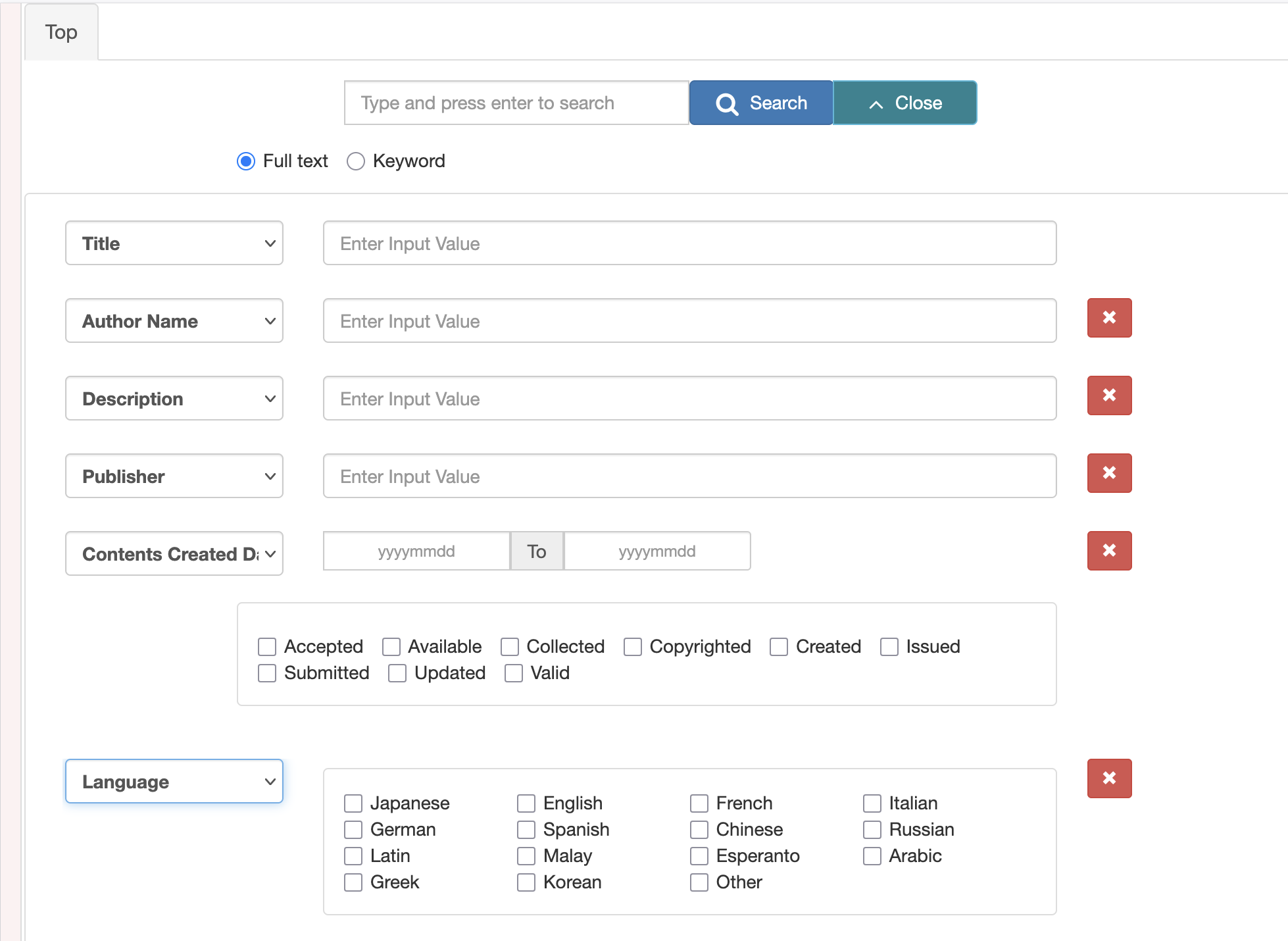
Use the Advanced Search when you want to narrow your results. You can search by fields such as title, creator, description, publisher, date, language, and resource type.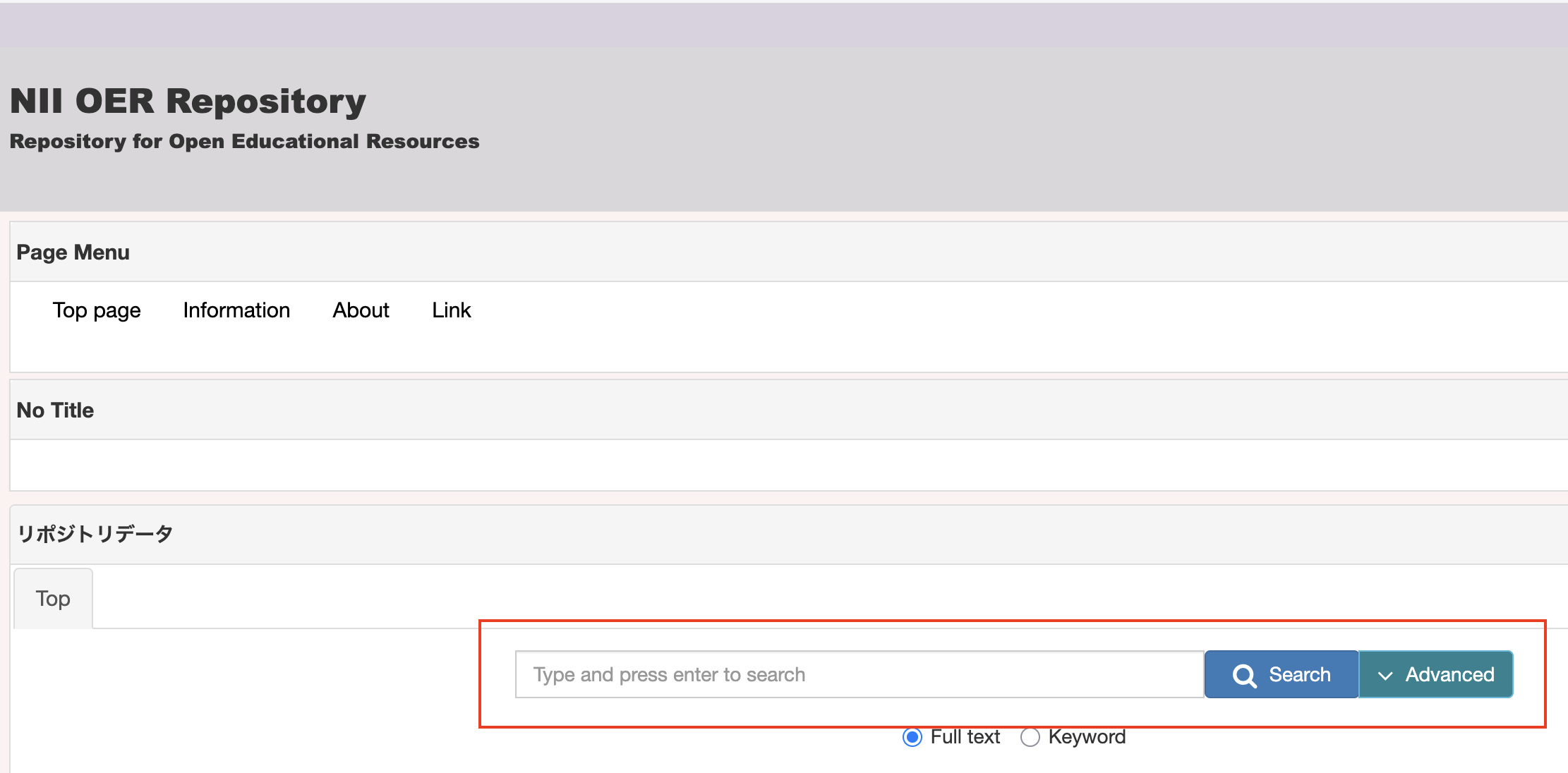
Advance Search
Selecting the advanced search will display a larger selection of text fields for search words and limiting filters such as languages, and databases,